
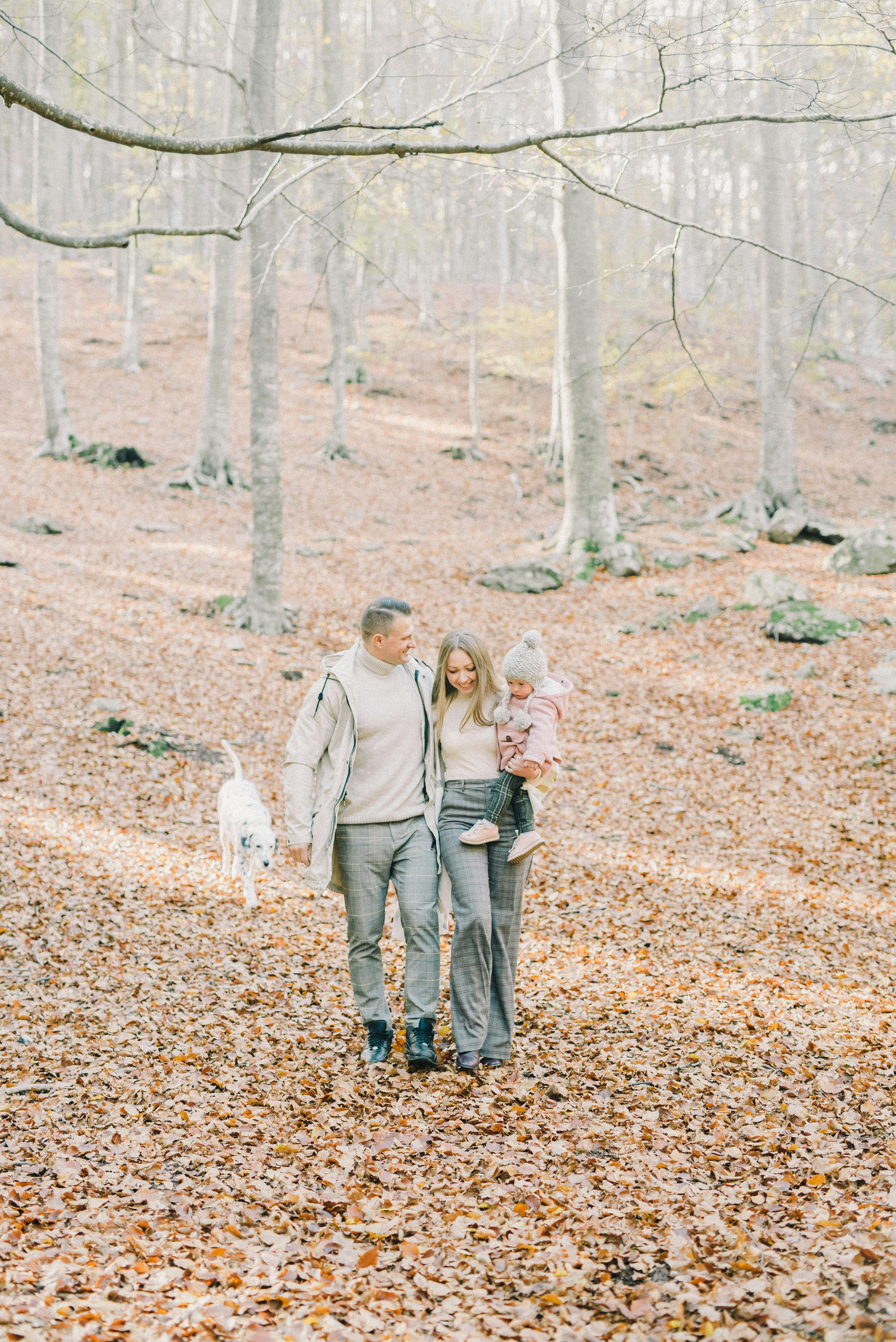
DIY: How to make a family puzzle from a historical photograph
Turning a historical family photograph into a puzzle is a creative way to preserve memories, engage younger generations, and bring stories to life. This guide walks you through safe scanning, puzzle design, and archiving, and shows how MyHeirloom helps you keep both the image and its meaning intact.
Creating a family puzzle from a historical photograph sits at the intersection of craft, memory preservation, and intergenerational storytelling. Many families have albums of old prints that quietly age in drawers, with their stories gradually fading over time.
Turning one of these photographs into a puzzle transforms it into a shared activity. As relatives gather to piece the image together, they naturally begin to ask questions about who the people are and why the moment mattered.
At the same time, this project can be a gateway into a more thoughtful digital legacy. The photograph, its restoration, the puzzle design, and the story can be preserved together in a structured way rather than scattered across devices.
This project is designed for families who want to involve multiple generations in preserving their history. Connecting a physical craft with a long-term digital archive ensures that your efforts remain meaningful for years to come.
We can look at how to choose the right photo, scan it safely, and make different types of puzzles. Integrating this process with MyHeirloom keeps your custom puzzle from becoming an isolated artifact without context.
Completing this process helps ensure that the photo, its history, and the experience of solving the puzzle are preserved for future generations. If you want a structured way to organize your family projects, you can start for free with MyHeirloom and begin building your Legacy Room.
Why historical family photos make powerful puzzles
Historical family photographs carry a unique emotional and informational weight. Unlike casual phone snapshots, they often represent rare, staged, or significant milestones like weddings, migrations, and reunions.
Older prints are also physically scarce, with only one or two surviving copies stored away in envelopes. When you turn such a photograph into a puzzle, its scarcity transforms into a shared point of focus that brings the family together.
Another reason historical photos work well is their visual richness. Group shots, varied clothing, and textured backgrounds provide excellent details to assemble and discuss.
Specialists often recommend group photos because they offer multiple details that naturally spark questions about relationships and family trees.
The power of a custom puzzle depends heavily on its context. Without explanation, younger generations might complete the challenge but put it away without understanding its significance.
Focusing entirely on the physical craft while neglecting to capture names, dates, and locations can leave the final puzzle anonymous. Recognizing this risk is crucial to anchoring your family story.
In MyHeirloom, a historical photograph is stored as a multi-dimensional Keepsake rather than a simple digital file. You can attach narratives, audio, and documents explaining why the image is significant.
Connecting the Keepsake to My Tribe profiles and your Family Tree creates a reliable reference for future generations. This ensures that even decades from now, the story remains intact during family gatherings.
Starting with a single puzzle project offers a practical bridge between physical and digital archiving. It breaks down the overwhelming task of legacy preservation into a manageable, creative step.
Once you successfully archive one puzzle, you can easily apply the same process to recipes, letters, and other family keepsakes.
Choosing and preparing the historical photograph
Selecting the right image for a puzzle and a legacy
The first decision is choosing the right photograph. From a design perspective, images with clear subjects, diverse colors, and visible textures make the most engaging puzzles.
Avoiding large, flat areas like empty skies ensures that younger participants do not get frustrated by overly similar pieces. Look for images where faces and objects are distributed across the entire frame.
From a historical perspective, select an image that carries a story worth telling repeatedly. A migration departure, a multi-generational portrait, or a wedding are excellent choices.
Group photos offer the best opportunities for identifying relationships and sharing family lore during assembly. You want an image that naturally prompts conversations about your roots.
Consider the physical condition of the original print. If the photograph is fragile, cracked, or stuck in an old album, scan it in place rather than risking damage.
Flattening brittle paper or pulling it away from old glue can permanently tear the emulsion. Using a digital copy for the puzzle protects the unique physical artifact.
Think about how the puzzle will be used in the future. If you plan to bring it out during reunions, choose an image with an appropriate emotional tone.
A joyful celebration or gathering is ideal for a recurring family tradition. The goal is to match the image with the audience to ensure the activity remains sustainable and uplifting.
Scanning the photograph safely: DPI, PPI, and best practices
Creating a high-quality digital scan is crucial for both puzzle printing and long-term archiving. Understanding scanner settings prevents low-resolution results that limit enlargement.
The key principle is that smaller original prints require a higher resolution because they contain more compressed visual information per inch.
For standard family prints, scanning at 600 DPI is the recommended default. This resolution provides enough detail for moderate enlargement and digital restoration.
Scanning above 1,200 DPI often produces excessively large files without revealing any more actual image detail. Stick to 600 DPI unless the original is exceptionally small.
For small formats like wallet portraits or school photos, increase the resolution to 1,200 DPI. This high-density capture allows you to blow up the image safely.
If you have the original film negative, scanning it directly at 2,400 to 4,000 DPI yields far better results than scanning any paper print.
Gently brush loose dust off a stable print, but avoid any liquids or cleaners. Always scan in color—even for black-and-white photos—to preserve historical paper tones.
Keep automatic restoration features turned off for your master scan so you preserve an unaltered archival record. You can always edit a copy later.
If you lack a flatbed scanner, mobile scanning apps can serve as a decent alternative by reducing glare. Always save the resulting file as your unedited master copy.
Follow the industry-standard backup rule by keeping three copies of your digital master on different storage devices, including MyHeirloom.
Preserving the story and metadata alongside the image
A high-quality scan is only half the solution. Without metadata like names, dates, and locations, the image risks losing its meaning in a generation or two.
Systematically recording the backstory of who is pictured and where ensures the photograph remains a valuable piece of family history.
MyHeirloom provides the ideal structure to pair digital images with their backstories. You can upload the scan to a custom Keepsake, identifying each family member pictured.
Linking the Keepsake to your Family Tree and Life Timeline helps future descendants understand exactly where this puzzle fits in your history.
Sensitive details, such as historical property records or migration papers, can be stored privately in DocuVault. This keeps the technical files safe while keeping Keepsakes focused on sharing stories.
This dual structure lets you enjoy a fun family puzzle activity while securing the deeper legal and historical context behind the scenes.
Pairing high-quality scans with structured metadata shifts your project from a simple craft into a genuine legacy artifact.
The physical puzzle serves as a gateway to your digital archive, allowing future generations to learn and update the family story over time.
Designing and making your family puzzle
Comparing physical and digital puzzle methods
Once your image is digitized, you can decide between physical and digital puzzle methods. Both approaches offer unique ways to share and interact with your family history.
Your choice will depend on whether you prefer a hands-on, tactile craft or a highly shareable, screen-based experience.
Give them the home they deserve. Bring your family legacy into the digital age.
Start archivingPhysical versions range from simple cardboard cutouts to professional laser-cut wood pieces. Standard DIY methods involve pasting prints onto recycled cardstock.
Advanced custom methods export precise digital templates to laser-cutting services for durable, heirloom-quality wooden puzzles.
Digital puzzles can be compiled and played entirely online. Tools allow you to upload images and generate collaborative links for family members to assemble the puzzle together in real time.
While virtual puzzles lack tactile feel, they are perfect for connecting relatives across different geographic locations instantly.
To clarify the differences, it can be helpful to view them side by side.
Simple cardboard
Printed template
Laser-cut heirloom
Browser-based
Whichever method you choose, remember that the physical or digital puzzle is just an entry point. Your digitized scan and organized storytelling in MyHeirloom serve as the true backbone of your legacy.
Using the puzzle as an interactive tool helps bring these archived memories into active, multi-generational family conversations.
Making a simple cardboard puzzle from a reprinted photo
A standard cardboard puzzle is the easiest entry point. This classic craft is a wonderful way to involve young children in a hands-on history project using common household items.
Using clean, recycled cardboard from food boxes keeps this project inexpensive and highly accessible for any home.
To begin, print the scanned photograph at standard sizes like 5x7 inches. Always work from a reprinted copy to protect the original historical print from irreversible damage.
Mount the reprint to your cardboard backing using acid-free, photo-safe adhesive to prevent chemical yellowing over time. Smooth out any bubbles starting from the center.
When the mounting adhesive is completely dry, carefully sketch your cut lines on the back. For young children, stick to a few large, simple geometric pieces.
For older family members, use a craft knife and a self-healing cutting mat to produce more intricate, interlocking grid cuts safely.
Laminating your printout before cutting dramatically improves durability. It seals the paper fibers and prevents damage from spills or active little hands.
Because you are cutting a reproduction, any wear and tear on the puzzle piece does not threaten the original historical master image.
You can document your entire crafting process inside MyHeirloom. Creating a dedicated Keepsake for the finished craft adds a modern chapter to your family legacy.
Weaver can guide you through reflecting on why you chose this photo and how family members reacted while assembling it together.
Using online puzzle generators for printable and laser-cut puzzles
Online puzzle generators offer precise custom tools. You can upload your image, select exact piece counts, preview cuts, and export printable or laser-ready templates easily.
These free and low-cost generators let you design professional layouts in minutes without requiring specialized graphic design software.
To begin, upload your photo in standard image formats. You can then select parameters such as standard paper sizes, piece counts, and custom cutting templates.
Options range from simple 12-piece grids for young children to intricate 200-piece designs with unique, non-traditional geometric patterns.
Pay close attention to how the generated cut lines intersect with faces or central subjects. You want to avoid splitting crucial family portraits awkwardly across tiny pieces.
For the best DIY results, print at actual scale on thick cardstock and cut slow, steady lines using a metal ruler and a sharp craft knife.
If you want heirloom-quality durability, you can export vector design files to a local laser-cutting service. This produces robust puzzles crafted from wood or acrylic.
Pairing a durable physical wooden puzzle with your digital backup in MyHeirloom creates a robust heirloom that lasts for generations.
Digital workflows generate precise layout files that are perfect for archiving. You can secure these design files directly in your MyHeirloom DocuVault.
If a custom puzzle piece is ever lost, having the vector layout archived allows your descendants to easily reproduce a replacement.
Creating browser-based puzzles for remote family connections
Browser-based puzzles are ideal for family members separated by distance. Collaborative websites allow you to upload your scanned photo and invite others to build it together in real time.
Relatives can join the puzzle room from any phone, tablet, or computer to chat and solve the image as a group.
Virtual games require no crafting materials, carry zero risk of damaging prints, and let you scale the difficulty setting instantly to suit different age groups.
This is a great, low-risk way to test if your family enjoys the custom puzzle activity before investing in a wooden heirloom set.
Digital platforms can be ephemeral, making them experiences rather than permanent physical artifacts. The true core remains the high-resolution master and story in MyHeirloom.
Documenting these remote play sessions with screenshots and written memories inside a Keepsake captures the warmth of family connection.
You can bridge the gap between digital games and deep family history. Add active game links and playing instructions directly inside your Keepsake description.
Use Weaver to craft engaging storytelling prompts that turn a casual online session into a meaningful intergenerational conversation.
Practical questions about puzzle making
Is it safe to use the original historical photograph directly for a puzzle?
In most cases, it is better to avoid gluing or cutting the original print. Instead, scan the photo at a high resolution, print a high-quality copy, and use that for the puzzle. The original can then be stored safely and archived in MyHeirloom.
Is a simple cloud folder enough to preserve the photo and puzzle design?
Plain folders can store files, but they rarely capture context: names, dates, relationships, and stories. Over time, descendants may not understand what the image depicts or why the puzzle matters. MyHeirloom is designed to pair media with narrative, organizing your Legacy Room so that photos, puzzles, and documents are part of a meaningful story rather than anonymous files.
How can I involve children in the project without overwhelming them?
You can start with a simple cardboard puzzle with a small piece count and let children help with gluing and decorating the box. As they assemble the puzzle, tell stories about the people in the photo and invite them to ask questions. Later, you can show them the same image in MyHeirloom, where the names and connections are recorded, reinforcing both the craft and the digital archive.
From craft project to family legacy: integrating the puzzle into storytelling
Using the puzzle as a conversation starter
The real value of a custom puzzle unfolds when family members gather to assemble it. The slow, focused pace of puzzling naturally pulls attention toward fine visual details.
As relatives examine individual pieces, they will naturally begin asking questions about the faces, outfits, and settings. These questions offer perfect openings to pass down oral history.
Approach your puzzle gatherings with a bit of structured intention. Introduce the completed image briefly before breaking it apart, giving everyone a sense of historical context.
Weave in small anecdotes about the individuals or unique background objects as pieces fall into place. This makes the history feel alive rather than academic.
Puzzles provide a neutral, calming activity when dealing with complex or delicate family history. Concentrating on the hands-on task allows participants to process information at their own pace.
Tactile play keeps children engaged and comfortable, allowing them to absorb sensitive family narratives naturally.
Always capture the spontaneous memories shared during these sessions. You can write brief notes or record audio updates on your phone to upload to MyHeirloom.
Archiving these conversations alongside the photo scan preserves both the original history and the way your family chose to remember it.
Linking people in the photo to My Tribe and Family Tree
Explaining complex family relations verbally can be confusing. MyHeirloom helps you clarify these connections using My Tribe and Family Tree features.
Creating dedicated member profiles and linking them on the interactive Family Tree visualizes precisely how everyone in the photo is related.
Keep the Family Tree open on a nearby screen as a visual aid during assembly. Showing younger relatives the direct lineage line sparks deeper genealogical interest.
Create a digital legacy that your children and grandchildren will be proud of.
Create a family legacyAs your digital archive grows, each new puzzle can serve as an interactive entry point into a different branch of your lineage.
Our lineage builder supports diverse, non-genetic relationships like close friends and step-families. This allows you to include every meaningful figure shown in your photos.
By honoring these chosen connections, your puzzle reflects the genuine support network that shaped your family's history.
Tying custom puzzles to structured profiles ensures that no relative ever becomes a forgotten, nameless face in a box.
Leaving a secure, editable directory allows your trusted loved ones and future Trustees to update records as new historical details emerge.
Turning the puzzle into a Keepsake and Life Timeline entry
A custom family puzzle makes a perfect digital Keepsake. It bridges the gap between historical physical objects and contemporary family interactions.
Your puzzle Keepsake can house the original scan, snapshots of your craft process, and videos of your family assembling the pieces.
Dating your Keepsake positions it clearly on your interactive Life Timeline. This provides essential context for future generations browsing through family milestones.
Over time, your Life Timeline becomes a chronological index of major historical milestones and creative family projects.
Consider setting up a Patron Account for an aging relative to highlight their childhood photos through puzzles. This can encourage active memory recall and preserve valuable testimony.
Parents can also build these records for young children, securing a rich visual archive that kids will fully appreciate when they inherit the account.
Our guided writing assistant, Weaver, can help you expand your stories by prompting you with thoughtful, open-ended questions.
Reflecting on these guided questions adds emotional and philosophical depth, turning a simple craft project into a true digital heirloom.
Common mistakes and how MyHeirloom helps avoid them
Several recurring errors can derail a family puzzle project. The most common is using the original, fragile physical print directly for the craft rather than a digital reproduction.
Another critical issue is scanning at low resolutions like 72 DPI, which fails to yield sharp details when enlarged or printed.
MyHeirloom systematically counters these risks. We organize your digital files in a secure, structured space that separates public family stories from sensitive documentation.
This structure encourages safe scanning and backup habits, ensuring you never risk losing your high-resolution digital master files.
Our focus on structured narrative ensures that your puzzle project never becomes an orphaned artifact. When you upload a photo, you are guided to add context immediately.
Building these storytelling steps into the interface makes it easy to preserve important family histories before they fade.
We offer a private, centralized alternative to chaotic, unorganized cloud storage folders. You retain absolute control over who views your archived designs and family stories.
You can choose to share your family puzzle story publicly while keeping sensitive estate documents restricted to designated Trustees.
If your historical assets are scattered across various accounts, bringing them together is a simple, satisfying task. You can start for free today and begin consolidating your legacy.
Starting with one simple puzzle project is the perfect pathway to constructing a complete digital archive for your family.
How MyHeirloom helps you turn a puzzle into a lasting legacy
We are not a puzzle-making platform, but rather a structured digital home designed to preserve your memories. Our system ensures your physical crafts retain their historical value.
By keeping your physical puzzle connected to its digital backstory, we protect the project from becoming a meaningless box on a shelf.
The scanned photograph serves as a central asset within your Legacy Room. A puzzle Keepsake acts as a master folder holding scans, cut templates, and media clips of your family sessions.
This consolidation creates a rich, modern archive of both the original 19th-century history and your current family projects.
The Life Timeline lets you position this creative craft alongside your other family milestones. Descendants can visually track when you chose to honor this history.
Seeing your puzzle alongside digital recipes and secure estate documents creates a complete, multi-dimensional view of your heritage.
Interactive profiles and ancestral trees solve the puzzle of who is pictured in old group photos. Future generations can identify every face instantly in their browser.
Connecting the image to your digital Family Tree makes your physical custom puzzle an engaging gateway to your complete family story.
Securely partition sensitive legal papers from shareable family stories using DocuVault. Keep the public puzzle open for descendants while locking property files away safely.
You can customize permissions to let your chosen Trustees access secure files only when the time is right.
Weaver guides you through the writing process using a comfortable, conversational style. No more staring at a blank screen wondering how to describe your memories.
Interactive storytelling prompts naturally draw out the specific insights, names, and memories that future generations will cherish most.
Our ultimate goal is to convert scattered, unorganized memories into a secure family archive. The puzzle is a fantastic starting point for this active preservation.
Instead of letting your family lore gradually fade, consolidate it into a carefully curated digital record that lives on.
Moving beyond simple DIY crafts into structured legacy management is a highly rewarding decision. You can sign up for free to start uploading your first photo Keepsake today.
Watch your Legacy Room grow organically into an active, centralized home for your family's precious records and narratives.
Conclusion: from one puzzle to a living legacy
Creating a family puzzle is a simple project that yields profound emotional rewards. It provides a unique bridge of memory, context, and intergenerational continuity.
Approaching this task thoughtfully helps ensure your fragile master prints remain safe while your family history is actively shared.
Working from digital copies rather than unique prints preserves your ancestral history while letting your family play hands-on.
Intentional storytelling during assembly turns a casual rainy-day game into a cherished ritual of remembrance.
Our platform maximizes the value of your projects by giving them a secure, organized digital ecosystem. Your puzzle remains linked to its timeline, profiles, and backup files.
Using both the public Keepsake and secure DocuVault ensures all dimensions of your legacy are safely maintained.
A single custom puzzle is the perfect introduction to structured family archiving. It demonstrates how easy and rewarding it is to build a modern, interactive legacy.
By continuing to add new records, you create a dynamic family history that descendants can easily explore and update.
Take the first step today by selecting a cherished photo from your archives. Scan it carefully, design your layout, and invite your loved ones to build it.
Secure your files and register for free with MyHeirloom to turn this satisfying DIY craft into an enduring piece of your digital history.
FAQ
1. What DPI should I use when scanning a historical photo for a puzzle?
For standard 4x6 or 5x7 prints, scan at 600 DPI to preserve crisp detail for reprinting and restoration. If the original photo is exceptionally small, use 1,200 DPI to allow for safe enlargement without pixelation.
2. How do I avoid damaging the original photograph when making a puzzle?
Keep your original prints stored safely in physical archives and work entirely from high-resolution digital scans. Print a high-quality copy to use for your puzzle crafting, protecting the unique family artifact from glue or scissor cuts.
3. Is a browser-based puzzle a good long-term way to preserve a family image?
Digital puzzles are excellent for remote family activities, but they are short-term experiences rather than permanent heirlooms. Store the permanent master scan and its metadata in MyHeirloom, and treat collaborative online games as interactive events.
4. How does MyHeirloom differ from a normal cloud drive for storing photos and puzzle files?
Traditional cloud drives hold unorganized files without contextual names, relationships, or backstories. MyHeirloom arranges your photos into rich, interactive Keepsakes tied directly to your Family Tree, Life Timeline, and secure DocuVault.
5. Can I use MyHeirloom to organize multiple puzzles and related family projects?
Yes. You can organize multiple custom projects by tagging them, uploading distinct layouts, and linking profiles. This makes your Legacy Room a centralized dashboard for all your ongoing creative heritage crafts.
6. Does MyHeirloom replace legal tools like wills or estate plans for organizing my legacy?
No, MyHeirloom does not replace legal wills or estate plans. Our platform is designed to secure and pass down the human elements, stories, and practical instructions that formal legal frameworks often miss.

MyHeirloom gives you a dedicated Legacy Room—a private, secure space to collect photos, videos, documents, and stories.
Start now for free